
1win App India — Android APK Download & iPhone Guide
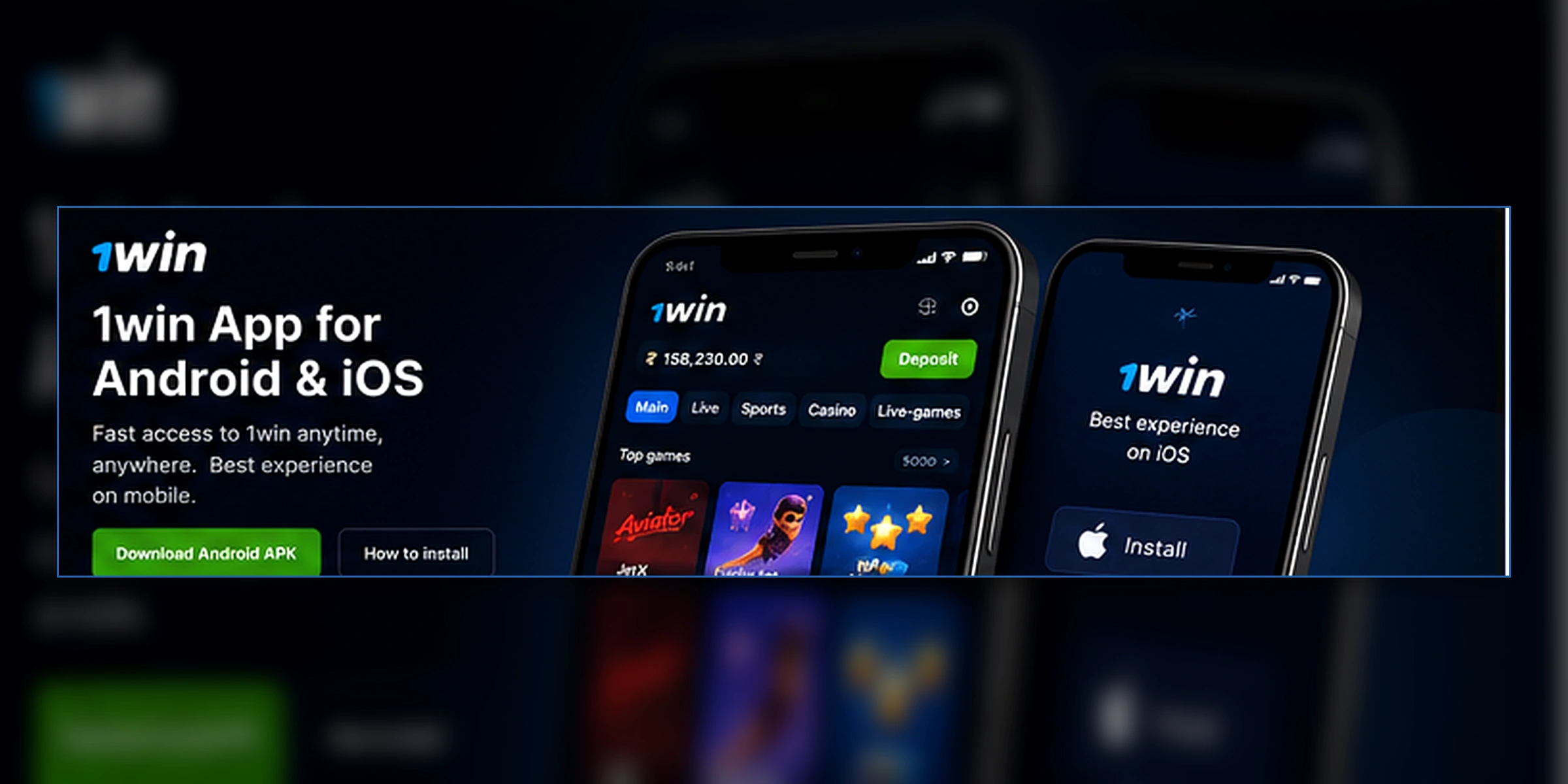
How to download and install the 1win Android APK
The 1win Android app is distributed as a direct APK — it is not on Google Play Store. The process takes about two minutes and requires one temporary setting change on your phone.
Open 1win's website in your browser
Go to 1win's official website from Chrome or Samsung Internet on your Android phone. Do not search for '1win APK' — only download from the official domain.
Enable installation from unknown sources
On Android 8+: Settings → Apps → Special App Access → Install Unknown Apps → your browser → Allow. On Android 7 or older: Settings → Security → Unknown Sources → enable.
Download the APK
Tap the Android download button on 1win's site. The file is around 75 MB. Wait for the download to complete in your notification bar.
Install the APK
Open the downloaded file from your notification bar or Downloads folder. Tap Install and wait 15–30 seconds.
Disable the unknown sources setting
Go back to the setting you enabled and turn it off. This is a security best practice — leaving it enabled allows any app to install software on your phone without asking.
1win on iPhone — the home-screen shortcut
Why there's no App Store version
Apple's App Store policies prevent real-money gambling apps from being listed in India. 1win does not have an iOS app listed in the Indian App Store. The full platform is accessible through Safari instead.
How to add 1win to your home screen
Open 1win in Safari (not Chrome) on your iPhone. Tap the Share icon at the bottom of the screen. Scroll down in the share menu and tap Add to Home Screen. Confirm the name and tap Add. The icon appears on your home screen and opens 1win in full screen without the address bar.
How to update the 1win app
1win releases app updates periodically. You can update by downloading the new APK from 1win's website and installing it over your existing app — no need to uninstall first. Your account, history, and settings are stored server-side and are not affected by the update.
1win app FAQ for India
Why isn't 1win on Google Play Store?
Google Play Store's policy prohibits real-money gambling apps for most markets including India. 1win distributes its Android app as a direct APK download from its website. The APK file is the same as what would be offered in a store — it just isn't listed there.
Is the 1win APK safe?
The APK downloaded directly from 1win's official domain is safe. Never install an APK from a Telegram link, third-party site, or screenshot shared in a WhatsApp group — those are not official files and may be modified.
How do I enable installation from unknown sources?
On Android 8 or higher: go to Settings → Apps → Special App Access → Install Unknown Apps → find your browser → toggle Allow. On Android 7 or lower: Settings → Security → Unknown Sources → enable. Disable the setting again after installing 1win.
Is there a 1win app for iPhone?
1win does not have an App Store listing in India. The recommended workaround is to open 1win in Safari on iPhone, tap the Share icon, then Add to Home Screen. The shortcut opens as a full-screen web app without the Safari address bar.
How large is the 1win APK?
The APK is approximately 75 MB. After installation, the app occupies around 100–120 MB including cached data. Make sure you have at least 200 MB free before downloading.
How do I update the 1win app?
The app displays an in-app notification when an update is available. Tap it to download the new APK — or visit 1win's website directly and download the latest version. Install it over the existing app without uninstalling. Your account and history are not affected.